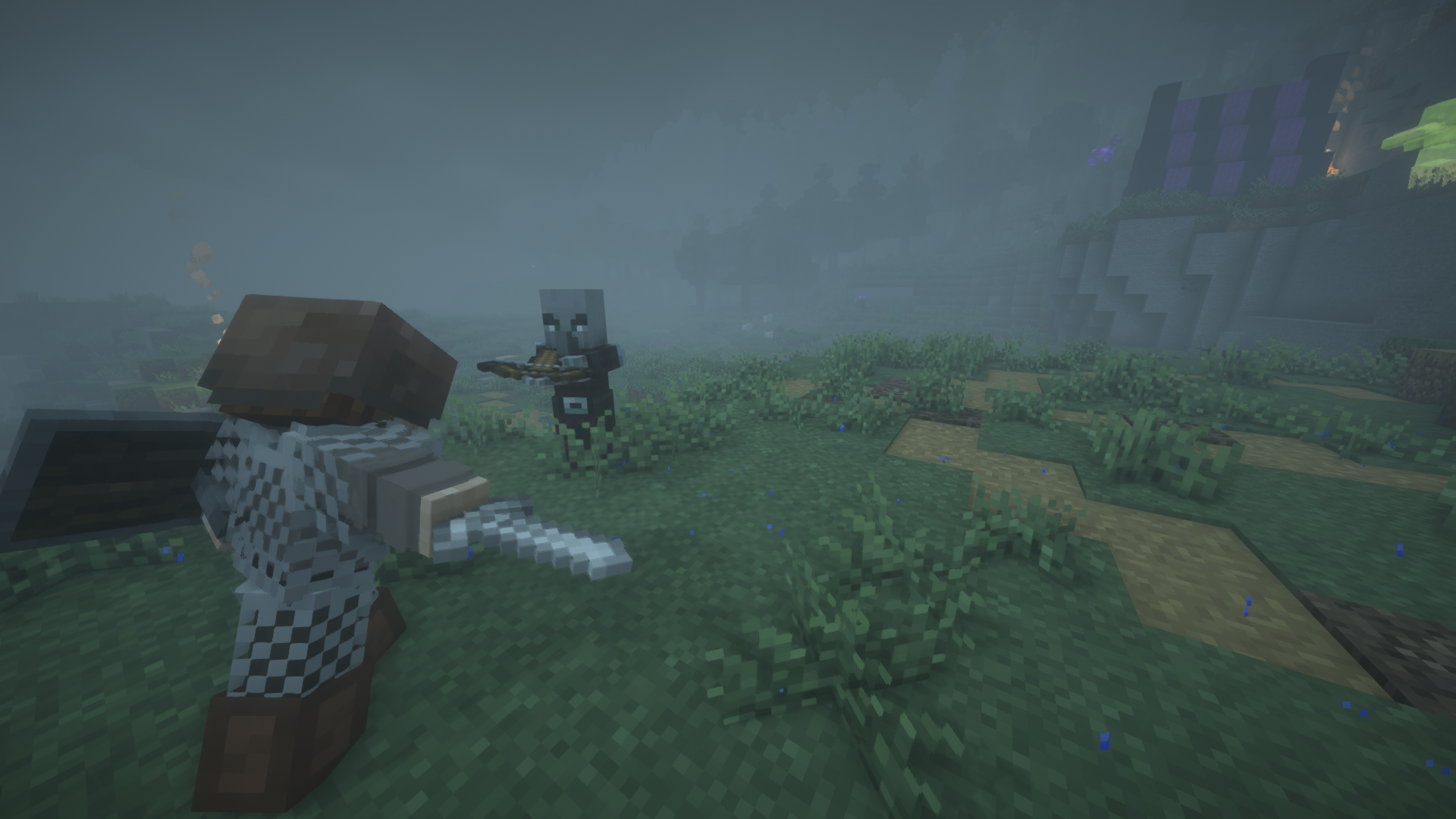
Better Combat errors are easier to fix when you diagnose the environment in layers: game version, loader, dependencies, Better Combat file, then other mods.
Crash before the main menu
Check whether the Better Combat build matches both the Minecraft version and mod loader. Then verify every required dependency for that release.
Missing or broken attack animations
Confirm the animation dependency is present and compatible. Temporarily remove other animation replacements to see whether one is overriding Better Combat.
Weapon behavior looks wrong
Disable newly added weapon packs and attribute-changing mods. Re-test with a basic weapon to separate Better Combat behavior from addon behavior.
Multiplayer connection fails
Compare client and server mod lists, versions, loaders and dependencies. Fix parity before changing combat settings.
Problem started after an update
Restore the last working profile, then update one component at a time. Large simultaneous updates hide which change introduced the regression.
Related guides
Continue with the focused resources in the sidebar for another loader, compatibility check or troubleshooting path.